


Steal these ultimate 5 proven visual media tips for recruitment
You’ve posted a job, and within hours, your inbox is flooded with the right kind of applications.
No irrelevant cover letter or cookie-cutter responses.
Only tailored resumes from the ideal candidates.
Wondering how?
It's because you didn’t bury candidates in jargon and chunks of text.
You grabbed their attention with bold, intriguing content that made them think, "I need to know more."
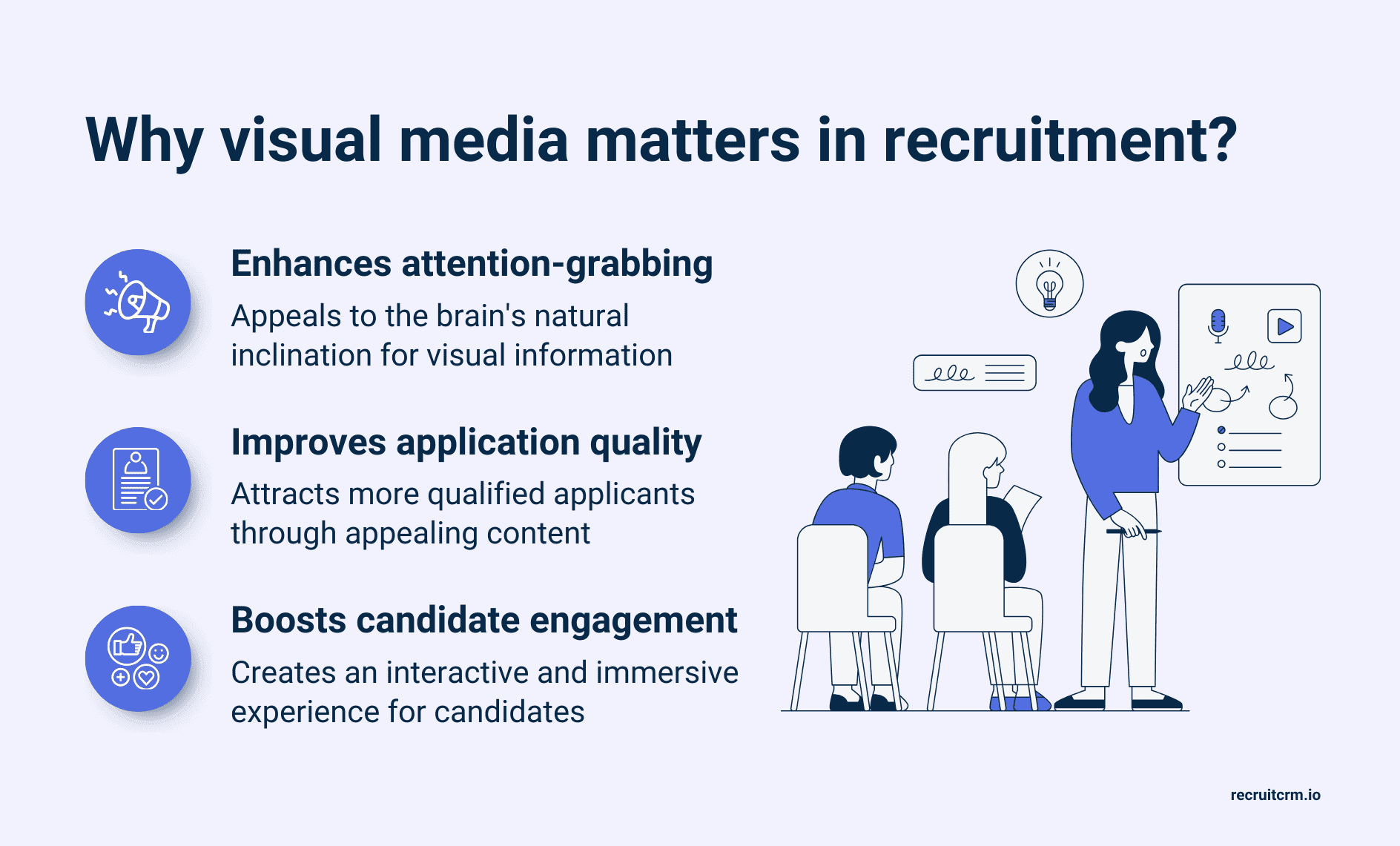
In the age of doomscrolling and brainrot content, plain job descriptions simply don’t cut it. It’s the visuals, short videos, and interactive elements that stop the scroll.
Want to make your job posts stand out?
Keep reading to find out how visual media can boost your recruitment.
5 quick ways to use visual media in recruitment
1. Optimize your career page with visuals
Your careers page is a candidate’s first impression of your company.That's why generic team photos and cookie-cutter templates won’t cut it.
Your page needs strategic, on-brand visuals that grab attention and build a connection.
For example, if you’re designing your career page visuals in WebP format for faster loading, you might need to convert them into more compatible formats like PNG for better browser support. In such cases, understanding how to convert WebP to PNG(opens in a new tab) can help maintain both quality and accessibility across different browsers.
But how do you create career pages that actually convert?What visual elements can make it stand out?
If you’re wondering these, here are four simple strategies to level up your career page design:
- Testimonial videos: Nothing builds trust like real employee stories. Short, authentic videos from recruitment team members give candidates an inside look at your culture and let them know what working in your company looks like?
- Brand Mascots: A friendly mascot makes your brand more approachable. Whether guiding candidates through the hiring process or explaining company values, mascots create memorable moments that set you apart from the competition. Pair your mascot with a professional logo using a good logo maker(opens in a new tab) tool to ensure a cohesive and recognizable brand identity.
- Interactive elements: Clickable culture galleries, virtual office tours, or "day in the life" carousels keep candidates engaged and give them a deeper look into your company culture.
And don’t worry, you don’t need to be a coder to design a stellar career page.
Tools like Recruit Craft (opens in a new tab)make it easy to create intuitive career pages that highlight your company’s culture and help you stand out in a competitive job market.
Recruit Craft is a fully customizable, code-free tool designed to help recruiters create professional, branded career pages and candidate portals within minutes.
Built as an add-on to Recruit CRM, it allows users to launch beautifully designed pages without any technical expertise.
2. Launch interactive quizzes to assess cultural fit
The same “Tell us about yourself questions,” ruin your candidate experience.They create boring application processes that fail to reveal what truly matters.
Think culture alignment, work style preferences, and team dynamics. Interactive quizzes make the screening process engaging while giving you deeper insights into candidate fit.
This adds personality and helps candidates self-assess their compatibility with your team culture.
You can take it to the next level with scenario-based questions!
Instead of just asking about preferences, present real workplace situations like
"Your team disagrees on a campaign direction. What's your approach?" with multiple-choice answers that reveal problem-solving styles.
Include fun personality elements like "Pick your ideal Friday team activity" with options from happy hour to hackathons.
This will humanize your brand and make candidates feel connected before they even apply.
3. Use infographics in your job descriptions
Icons, infographics, and flowcharts turn bland job descriptions into something candidates actually want to read.They break up walls of text and put a spotlight on what matters.
Think salary ranges in colorful boxes, company perks as simple icons, or logo design(opens in a new tab) elements to reinforce your brand visually.. These small touches lead to massive upgrades in candidate experience.
For example, if you are hiring for a software developer. Try a flowchart that outlines:
- What does the team structure look like in the department?
- Who will the developer be reporting to?
- What projects is the team currently working on?
- How does the role fit into cross-department collaboration?
You can take it to the next level with a visual job board!
Instead of just listing roles, add a Meet the Team section.
Include fun photos, job titles, and short intros to humanize your brand and make candidates feel connected before they even apply.
These smart visuals will not only make you stand out but also boost candidate experience and employee retention.
4. Utilize video screening to find the right talent
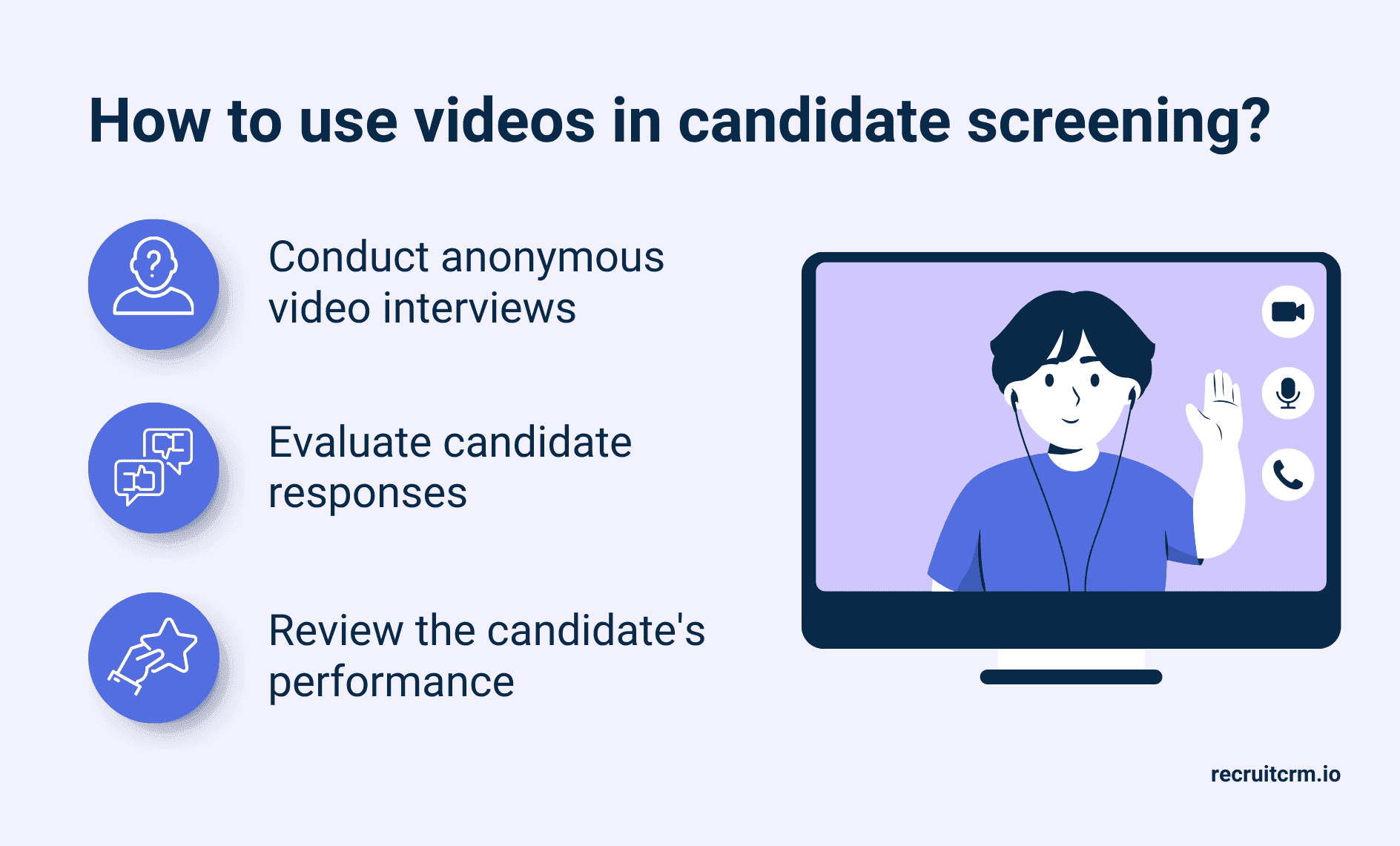
Video isn’t just for recruitment marketing.
It’s a fast, flexible way to screen candidates and build your ideal talent pool.
Especially in the case of high-volume recruiting or contingency deals, video screening can speed up the hiring process.
It can also be a great addition to your remote hiring tech stack.
You can use simple steps like asking applicants to record a quick 1–2 minute response to role-relevant prompts like:
- “Tell us about a time you handled a difficult client or candidate.”
- “Why are you interested in this role and our company?”
With video screening, you’ll get a real sense of their communication style, confidence, and cultural alignment before scheduling a single call!
5. Qualify leads by gamifying recruitment assessments
Recruiting in 2025 is all about making the process fun, fast, and effective.What could be more exciting than landing your dream job while crushing a game?
That’s why savvy recruiters are switching to gamified assessments to level up their hiring.
These aren't your typical multiple-choice tests. Rather, we're talking interactive challenges that reveal how candidates actually think and perform under pressure.
These let you test real skills and decision-making through quick, role-relevant challenges.
Therefore, instead of dreading another assessment, the candidates are eager to see what's coming up next.
The best part? You can weave quick games into every stage of your recruiting process,
Here are some examples you can try out:
- Quiz candidates on real-world client scenarios
- Use drag-and-drop tasks to assess how they prioritize or problem-solve
- Ask situational questions like: “A candidate ghosts after signing. What’s your next step?”
Frequently asked questions
1. What is the use of VR in recruitment?
Virtual Reality (VR) in recruitment is used to create immersive, realistic experiences that help both employers and candidates make better decisions. Here’s how it’s used:- Job previews: Candidates can explore the work environment or experience a “day in the life” of a role before applying. This is especially useful for high-risk or hands-on jobs (like manufacturing, healthcare, or military roles).
- Skills assessment: VR can simulate real-world tasks in dynamic candidate assessments. This can help judge how the applicant can handle specific situations.
- Onboarding & training: Once hired, VR helps new employees learn company systems, safety protocols, or customer service scenarios interactively.
2. How to make a recruiting video?
To create an effective recruiting video, start by planning your message.Focus on your positive organizational culture, the role, and what makes your team unique. Outline key talking points to keep it natural and candidate-focused.
Record in a quiet, well-lit space using a phone or webcam, and feature real team members to build authenticity.
Keep it short, around 60 to 90 seconds, and add subtitles for mobile viewing.
Blog Summary: Struggling to get noticed by top candidates? It's because in today’s competitive job market, posting a job listing isn’t enough.
You need to engage candidates with eye-catching visuals like infographics, videos, and interactive elements that make key information clear, concise, and compelling. This makes sure that your job posts stand out and attract the right applicants.


Get 20% commission on cash collected per month from every customer you refer for upto one year.
Join Recruit CRM’s affiliate program and start making money.
Blog written by
Kanan Parmar
Content Manager at Recruit CRM
Kanan Parmar is a content manager at Recruit CRM, specializing in delivering research-driven content that empowers recruiters. Her work focuses on providing valuable insights and strategies that help recruitment professionals optimize their workflows, make informed decisions, and stay ahead in the recruitment industry.
Categories
Stay ahead with the smartest
recruitment newsletter out there!
Join 30K+ recruiters reading the best newsletter in recruitment.