


































To all recruiters in my network! If you’re in search of an Applicant Tracking System that does more than just track, I've found a great match - meet Recruit CRM. Engineered by recruiters, #Recru...
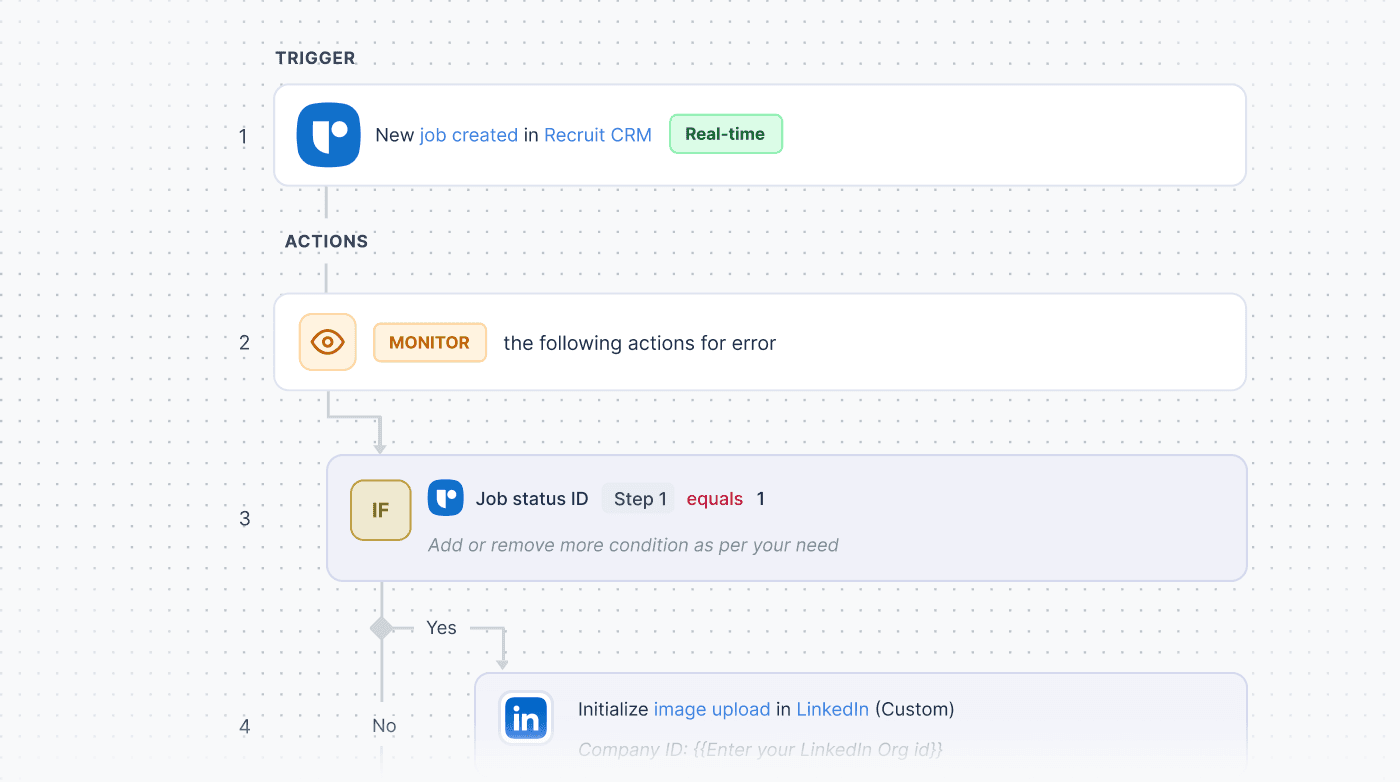
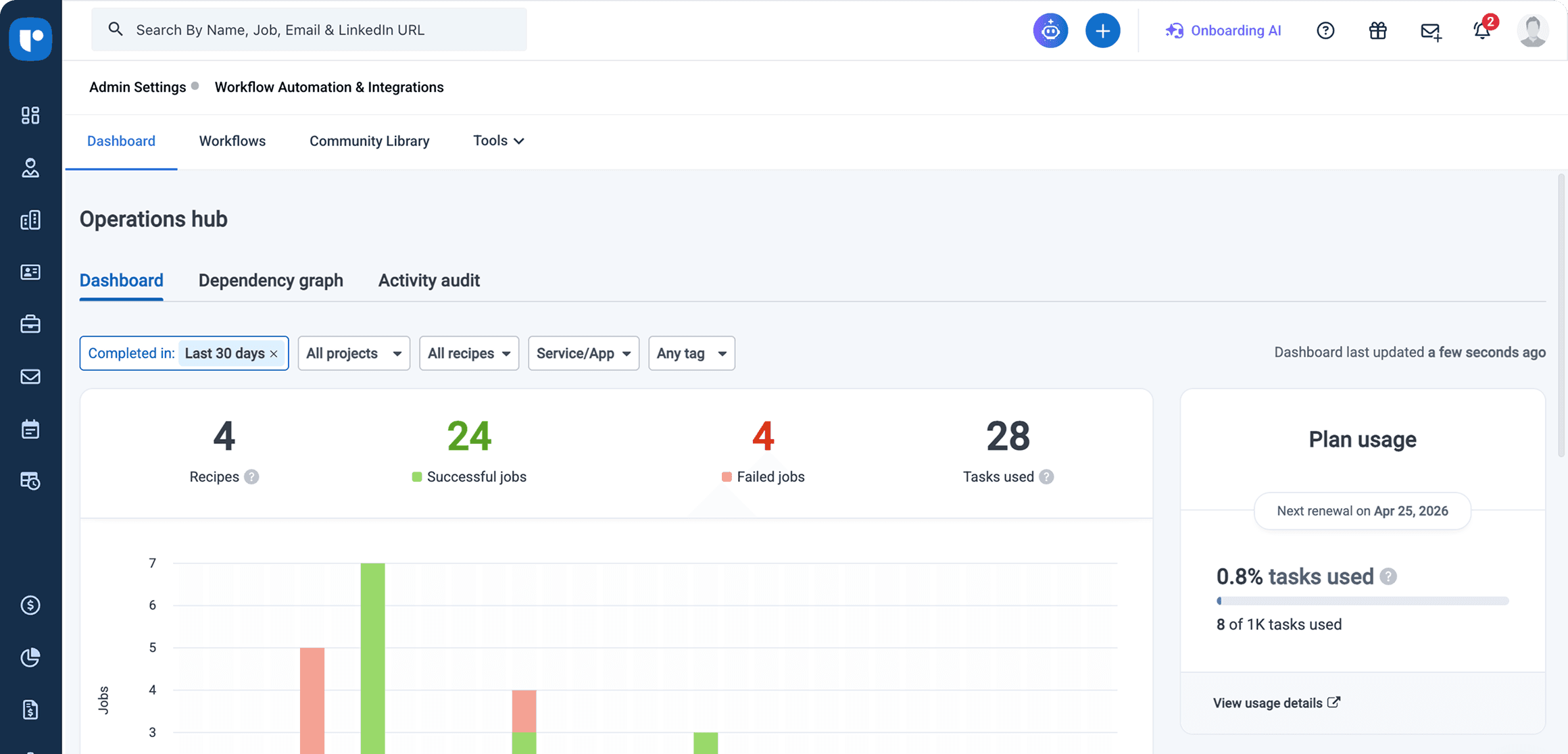
Read more: Gonçalo SequeiraManage triggers, actions, and conditions from a single control center — with full visibility across every workflow you run.
Our team sets up your workflows, integrations, and logic based on your process so everything runs exactly the way you need from day one.
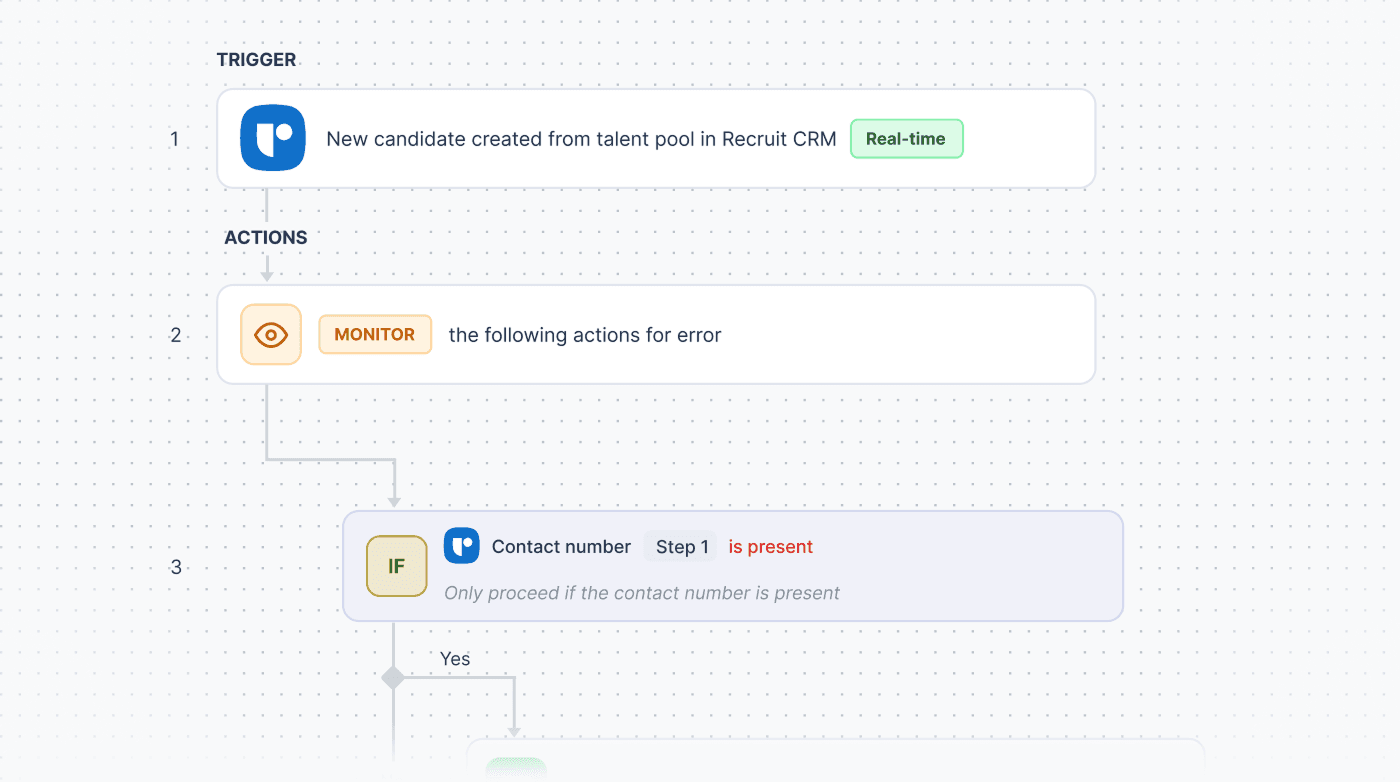
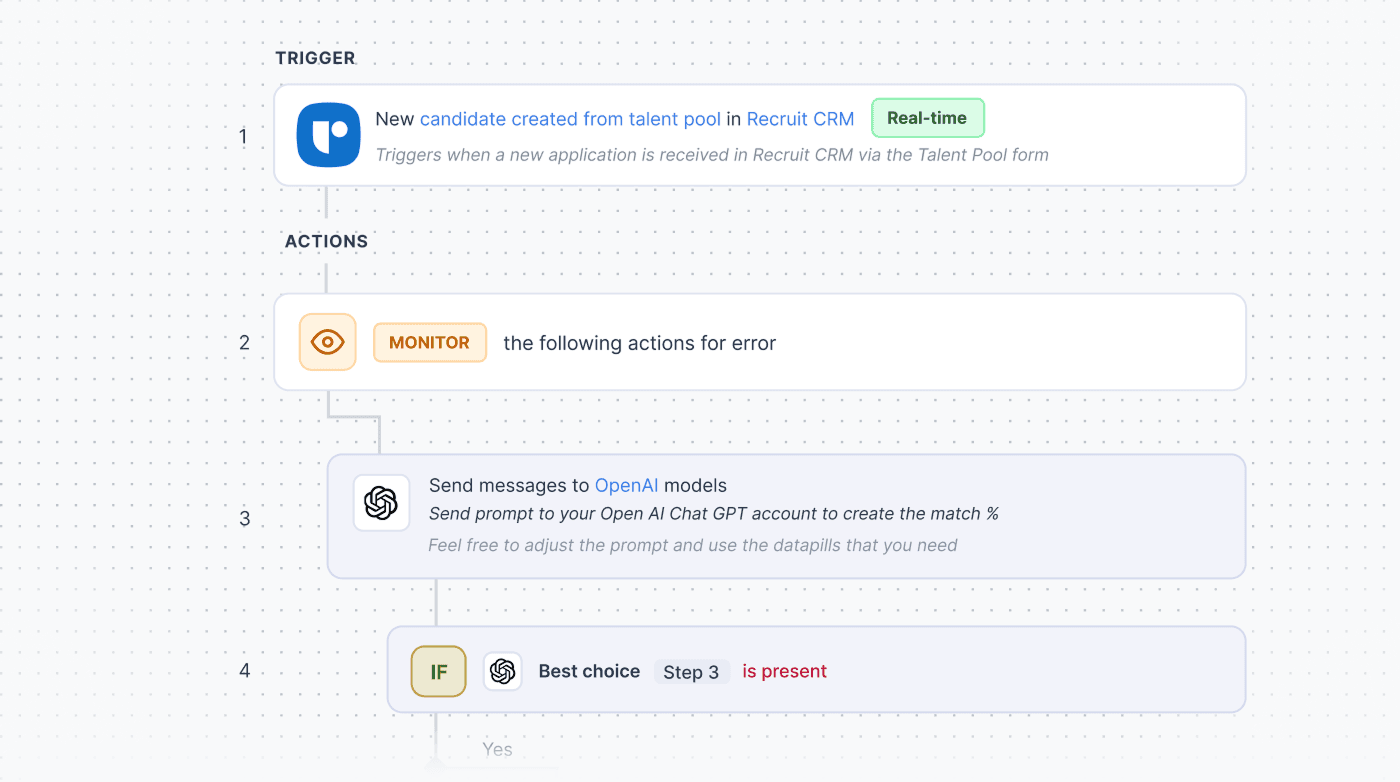
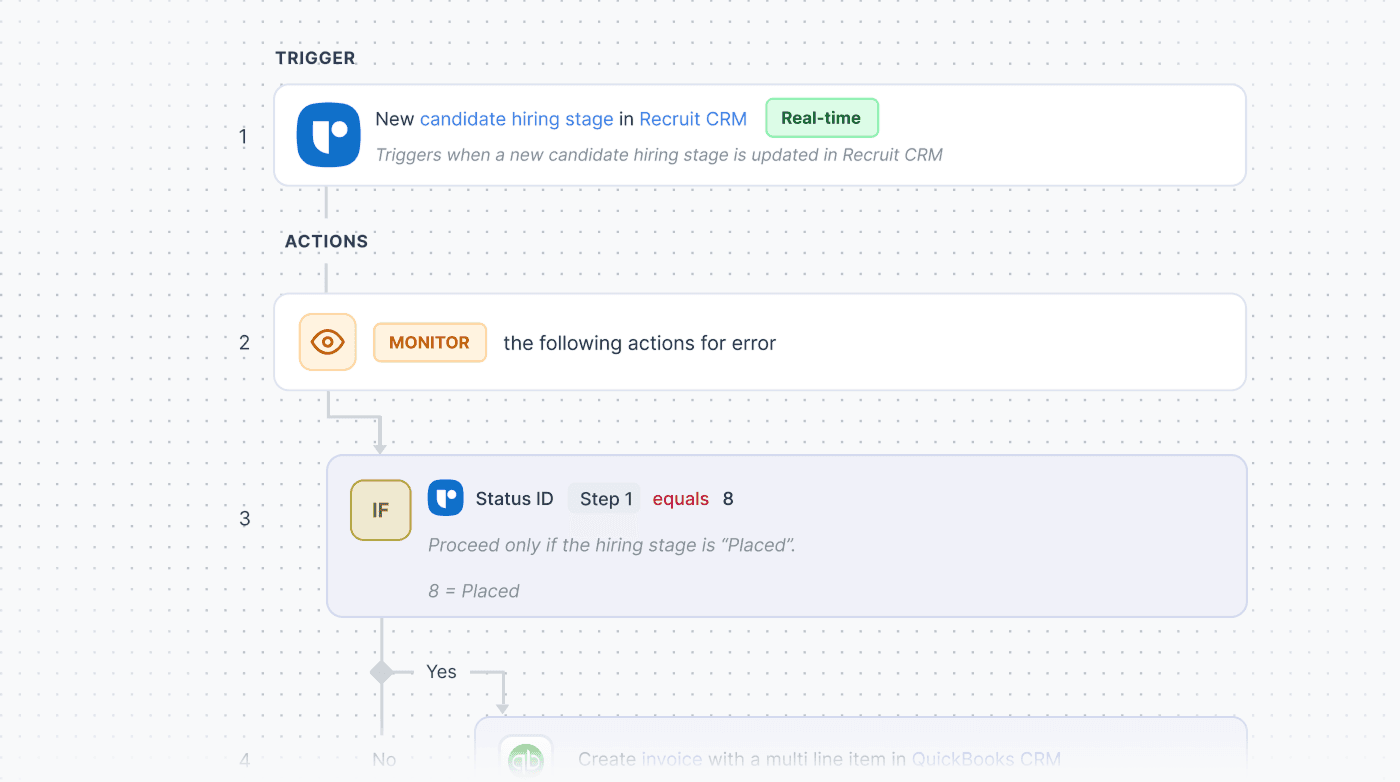
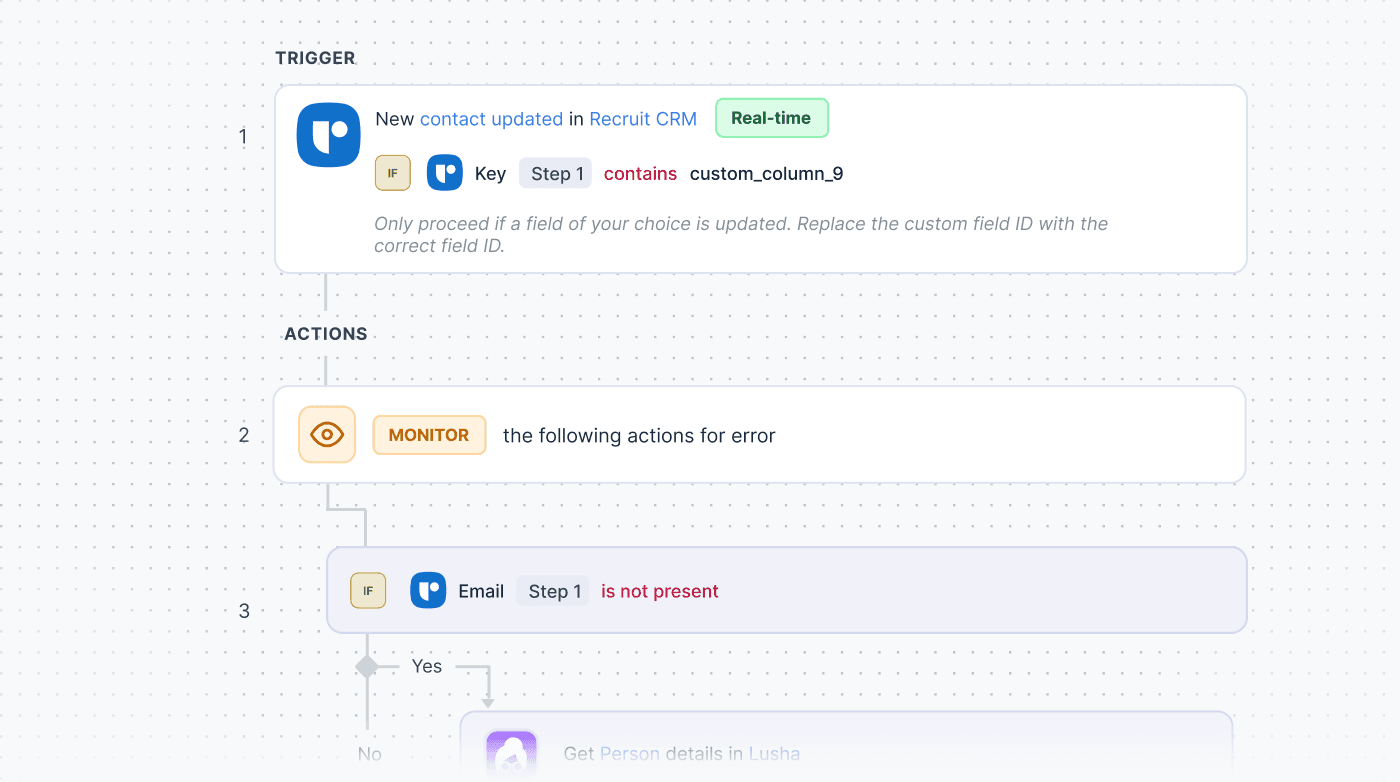
Manage triggers, actions, and conditions in one place with full visibility across your workflows without switching between multiple tools.
Run workflows across your entire tech stack and keep data moving between tools without manual updates or disconnected systems.
Start with pre-built recipes or create workflows tailored to your exact process without coding or complex setup.
Execute actions across thousands of records in one go and handle high-volume operations without slowing down your process.
Works with tools like Salesforce, Slack, Snowflake, Workday, and Power BI to support complex workflows across large-scale operations.


It depends on the trigger you use. If the trigger is set to run on newly created candidates or records, the workflow will not apply to past records.
If you set the trigger to scan your database instead, the workflow runs on existing records too, so your past candidates, clients, and jobs can all be included.
Sequences are built for outreach and handle email or LinkedIn follow-ups. Workflow automation goes beyond that.
It can update records, create tasks, send notifications, push data to other tools, and trigger actions across 1,000+ apps using conditions. Sequences handle one part of the process, while workflows can run across the entire operation.
If a record gets deleted while a workflow is running, the workflow stops for that specific record and logs the event.
Other records in the same workflow continue as usual. Your team is notified, so you are aware of what happened, and nothing goes unnoticed.
Workflows are created at the account level, but they can be scoped using conditions.
You can set them to run only for certain users, teams, jobs, or record owners. This makes it easy to control who the workflow applies to without affecting the entire account.
Yes. Workflow automation is not limited to Recruit CRM. You can connect it with tools your team already uses across finance, reporting, communication, and more.
Actions can be triggered across systems, keeping everything in sync without manual effort.

To all recruiters in my network! If you’re in search of an Applicant Tracking System that does more than just track, I've found a great match - meet Recruit CRM. Engineered by recruiters, #Recru...
Read more: Gonçalo Sequeira
The amount of volume that recruiters work with on a daily basis is absolutely wild. Over a year? We’re talking to hundreds and thousands of candidates. And here’s the thing: Keeping things organized can be tricky.....
Read more: Nicky Slavich
Hey recruiter friends! I hope you all are crushing it this week, giving your candidates the red-carpet treatment! If you know me, you know I’m B-I-G on streamlining all processes, especially my hiring process. The biggest....
Read more: Lisa Dean
If you're a Recruitment Director looking around for a new CRM, this one's for you. I've been playing around with Recruit CRM for a few days now, and compared to other CRMs I've used in the past, I'm really impressed...
Read more: David Rolls
Hi there, TA pros! If you’re in search of an ATS that not only simplifies your processes but also provides a solid ROI, I’ve discovered an awesome one. I've found Recruit CRM. It’s a bril...
Read more: Anna Bertoldini
Hey Recruiters! Looking for an applicant tracking system that's easy to use, fast-tracks your workflow, and is ACTUALLY worth the investment? I did some digging and came...
Read more: Carolyn Christie