

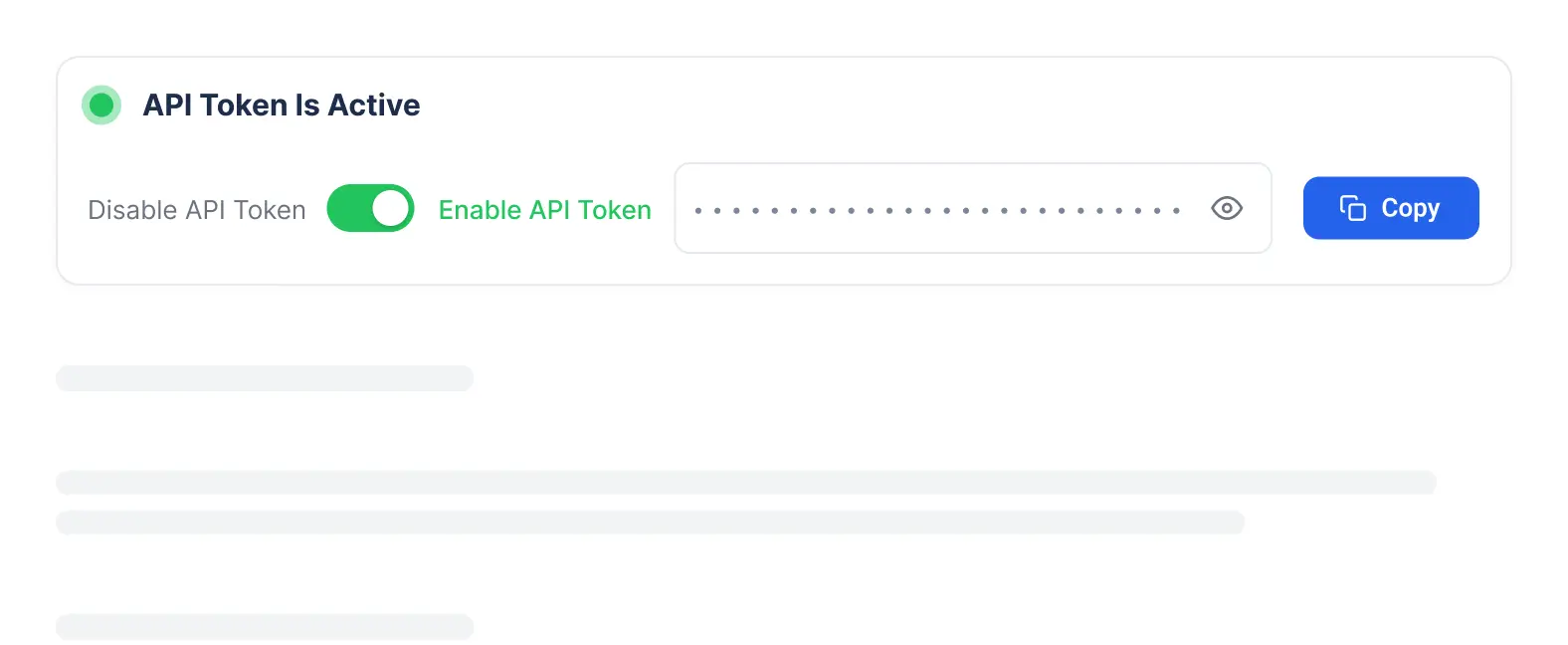
Enable your API key
Enable MCP Access for the user’s role. Go to Admin Settings, then Roles & Permissions, and make sure MCP Access is turned on for the roles that need it. Account Owner and Admin have it enabled by default.



AI agents handle email replies, candidate submissions, resume formatting, and sourcing strategies, giving you greater control over your recruitment and improving both speed and accuracy.
 Self Updating Profiles
Know when a candidate or contact has a new job & get alerts for lost fees through backdoor hires.
 AI Meeting Notetaker
Your AI assistant records calls, creates transcripts, and keeps every conversation searchable.
 WhatsApp Integration
Message candidates and contacts, share files and voice notes, and manage conversations directly within Recruit CRM.







Your entire recruitment workflow is one question away. Search candidates, analyze pipelines, track tasks, create reports, and find answers in seconds.
Jobs & Pipelines
Pipeline Analysis
Task Management
Activities
Call Logs
Jobs & Pipeline
Pipeline Diagnostics
Candidate History
Client Briefs
Companies & Contacts
Set up Recruit CRM MCP in minutes and start getting instant answers from your data.
Enable MCP Access for the user’s role. Go to Admin Settings, then Roles & Permissions, and make sure MCP Access is turned on for the roles that need it. Account Owner and Admin have it enabled by default.
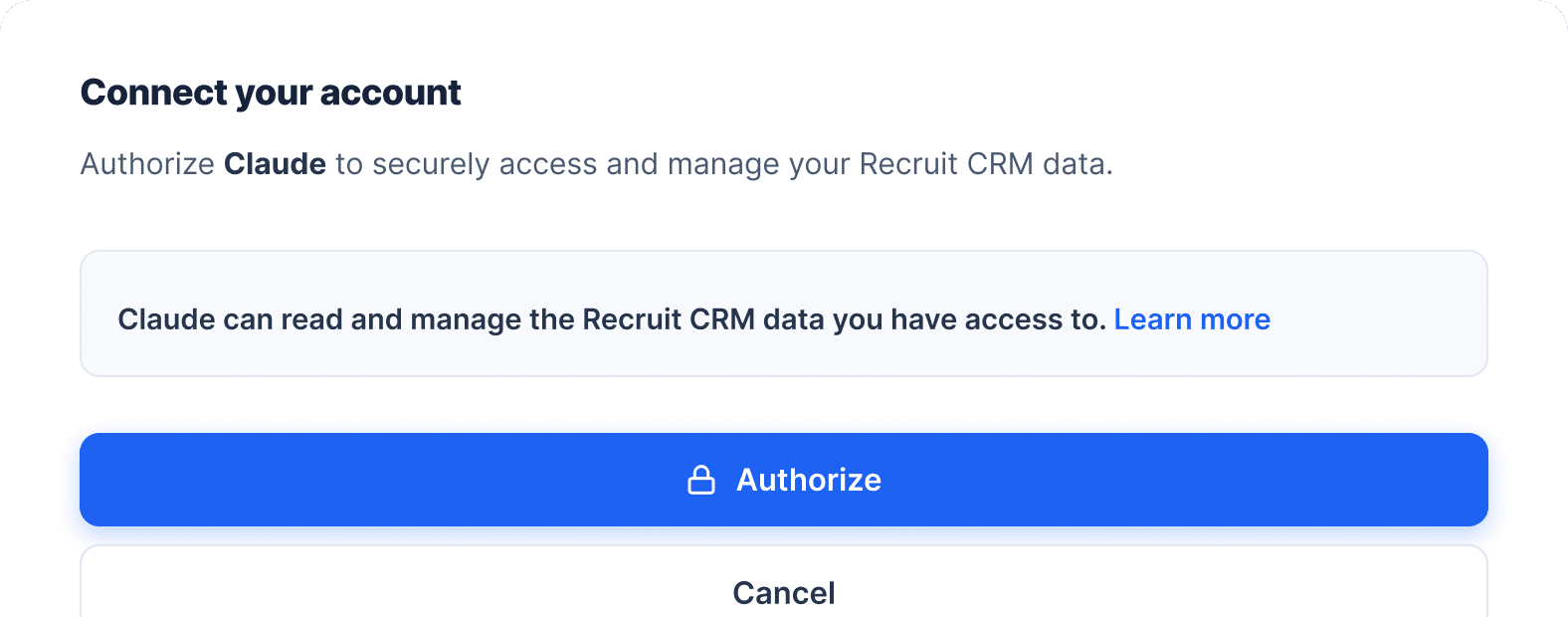
Add the Recruit CRM MCP server URL [https://agent.recruitcrm.io/mcp] to Claude, ChatGPT, or any MCP-compatible client. Log in to Recruit CRM when prompted and click Authorize to connect. No API keys, no local setup. [Get started]
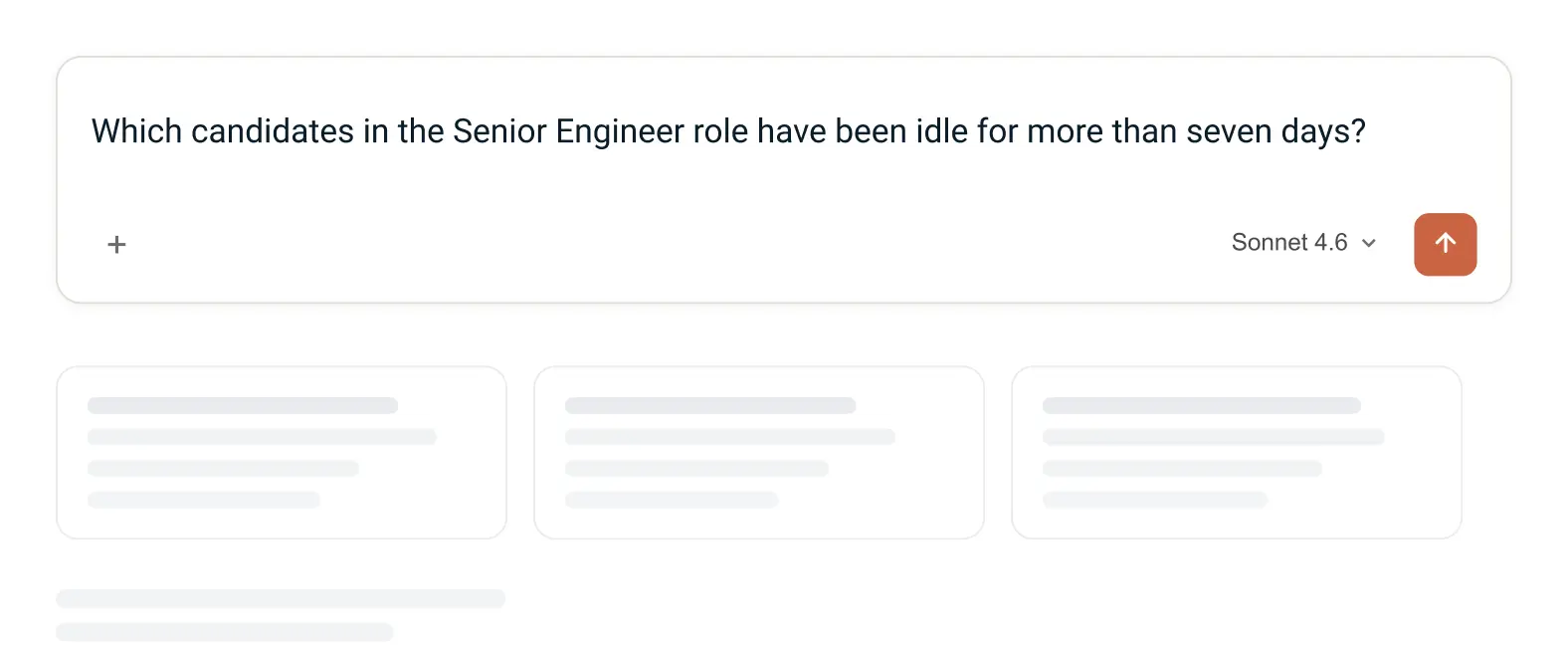
Start typing naturally. Ask something like which candidates in the Senior Engineer role have been idle for more than seven days, and get an instant answer from your live data.
Step 01
Enable MCP Access for the user’s role. Go to Admin Settings, then Roles & Permissions, and make sure MCP Access is turned on for the roles that need it. Account Owner and Admin have it enabled by default.
Step 02
Add the Recruit CRM MCP server URL [https://agent.recruitcrm.io/mcp] to Claude, ChatGPT, or any MCP-compatible client. Log in to Recruit CRM when prompted and click Authorize to connect. No API keys, no local setup. [Get started]
Step 03
Start typing naturally. Ask something like which candidates in the Senior Engineer role have been idle for more than seven days, and get an instant answer from your live data.
Recruit CRM MCP connects you to every key part of your system through simple, conversational queries.
Search for candidates with the same Boolean queries and filters you use inside Recruit CRM. Create and update records, view pipelines by stage, and move roles forward without manual filtering.
Identify bottlenecks across stages, detect idle candidates in seconds, and get clear next steps to keep every role moving forward.
Find overdue tasks instantly, review upcoming meetings in one place, and create new tasks directly without breaking your workflow.
Search notes by candidate or context, review recent call activity instantly, and create new notes without switching between screens.
Search companies and contacts with the same Boolean queries and filters you use inside Recruit CRM. Create new records, update account information, and manage your entire database without manual navigation.
Search existing hotlists instantly, create new ones in seconds, and add candidates easily without having to click through multiple steps.
Note: Built-in safeguards: Authentication runs through Recruit CRM's OAuth, so no API keys leave your account. Tokens are encrypted and stored server-side. Contact information is excluded by default and only surfaced on explicit request. Delete actions are not supported. Write actions run only when you explicitly ask for them.
Don't see the answer you're looking for? Get in touch.
If you have any questions, feel free to visit our FAQ repository.



To all recruiters in my network!
If you’re in search of an Applicant Tracking System that does more than just track, I've found a great match - meet Recruit CRM.
Engineered by recruiters, #Recru...Read more

The amount of volume that recruiters work with on a daily basis is absolutely wild.
Over a year? We’re talking to hundreds and thousands of candidates.
And here’s the thing: Keeping things organized can be tricky.....Read more

Hey recruiter friends! I hope you all are crushing it this week, giving your candidates the red-carpet treatment!
If you know me, you know I’m B-I-G on streamlining all processes, especially my hiring process. The biggest....Read more

If you're a Recruitment Director looking around for a new CRM, this one's for you.
I've been playing around with Recruit CRM for a few days now, and compared to other CRMs I've used in the past, I'm really impressed...Read more

Hi there, TA pros!
If you’re in search of an ATS that not only simplifies your processes but also provides a solid ROI, I’ve discovered an awesome one.
I've found Recruit CRM. It’s a bril...Read more

Hey Recruiters!
Looking for an applicant tracking system that's easy to use, fast-tracks your workflow, and is ACTUALLY worth the investment?
I did some digging and came...Read more
Get verified emails and phone numbers and instantly reach out while working in your favorite tools.
Recruit CRM Chrome Extension


Get verified emails and phone numbers and instantly reach out while working in your favorite tools.
Recruit CRM Chrome Extension Recruitment eventsRecruiter media hubRecruitment quizRecruitment Software Comparison
 marketing@recruitcrm.io
%201.4700f78c.svg&w=32&q=75) Workforce Cloud Tech, Inc. 28 Mohawk Avenue, Norwood, NJ 07648.
Workforce Cloud Tech, Inc. 28 Mohawk Avenue, Norwood, NJ 07648.Recruit CRM is an AI-powered Applicant Tracking System and CRM built for recruitment agencies and executive search firms in over 100 countries. The platform unifies candidate sourcing, resume parsing, email automation, job board integrations, and Advanced Analytics to simplify hiring and drive growth. With features like a Chrome sourcing extension, GenAI integration, LinkedIn messaging, and Workflow Automation, Recruit CRM enables recruitment teams to work smarter and scale faster. It is fully customizable, GDPR compliant, and backed by 24/7 live chat and a global support team.